LUTSmith

Camera workflow

DJI D-Log M

Open in LUT Creator
  1. 1

    Convert to normal color

    Required transform: DJI D-Log M → Rec.709 LUT

  2. 2

    Add a look on top

    Pick any look below.

Featured

4 looks that work on DJI D-Log M

  1. 1

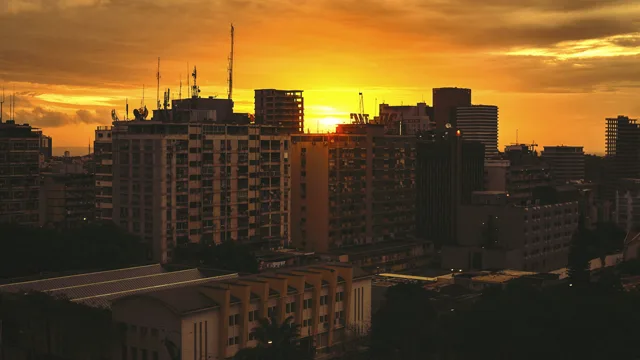
    Teal & Orange

    Cinematic

    Blockbuster teal-and-orange split.

    View look
  2. 2

    Golden Warm

    Cinematic

    Warm, slightly desaturated film look.

    View look
  3. 3

    Golden Hour

    Travel

    Punchy golden-hour landscape look.

    View look
  4. 4

    Muted

    Moody

    Desaturated, slightly cool look.

    View look

Browse all

Or pick from the full gallery

2 looks

Film-like looks for narrative work, music videos, and any footage you want to feel like a movie.
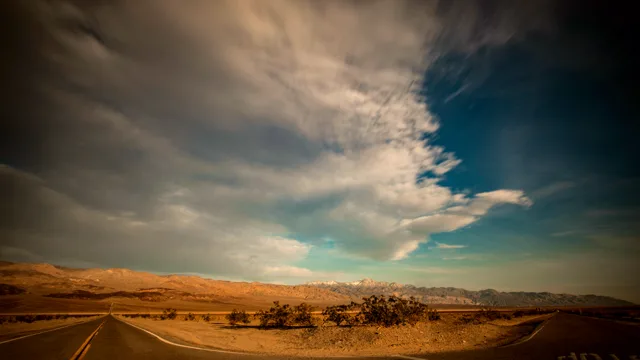
  1. Teal & Orange — cinematic look

    Teal & Orange

    Cinematic

  2. Golden Warm — cinematic look

    Golden Warm

    Cinematic

1 look

Outdoor landscape and run-and-gun looks. Holds up against golden-hour, blue-hour, and drone footage.
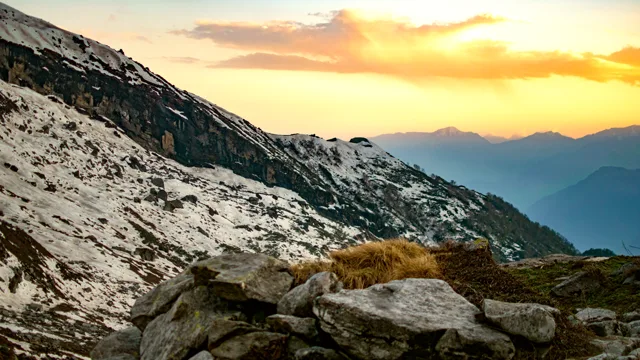
  1. Golden Hour — travel look

    Golden Hour

    Travel

1 look

Low-key, desaturated, and high-contrast looks. Built for night footage and any scene you want to feel heavier.
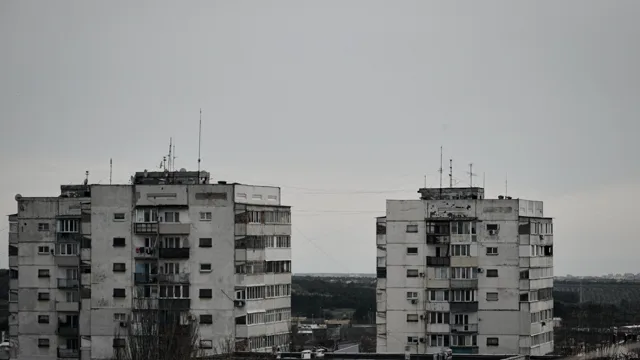
  1. Muted — moody look

    Muted

    Moody